
How to track an order?Updated 9 months ago
In the "Orders" section, you can find the "Status" column that indicates the status of each order. You can also click on the status tab to view orders in each status category.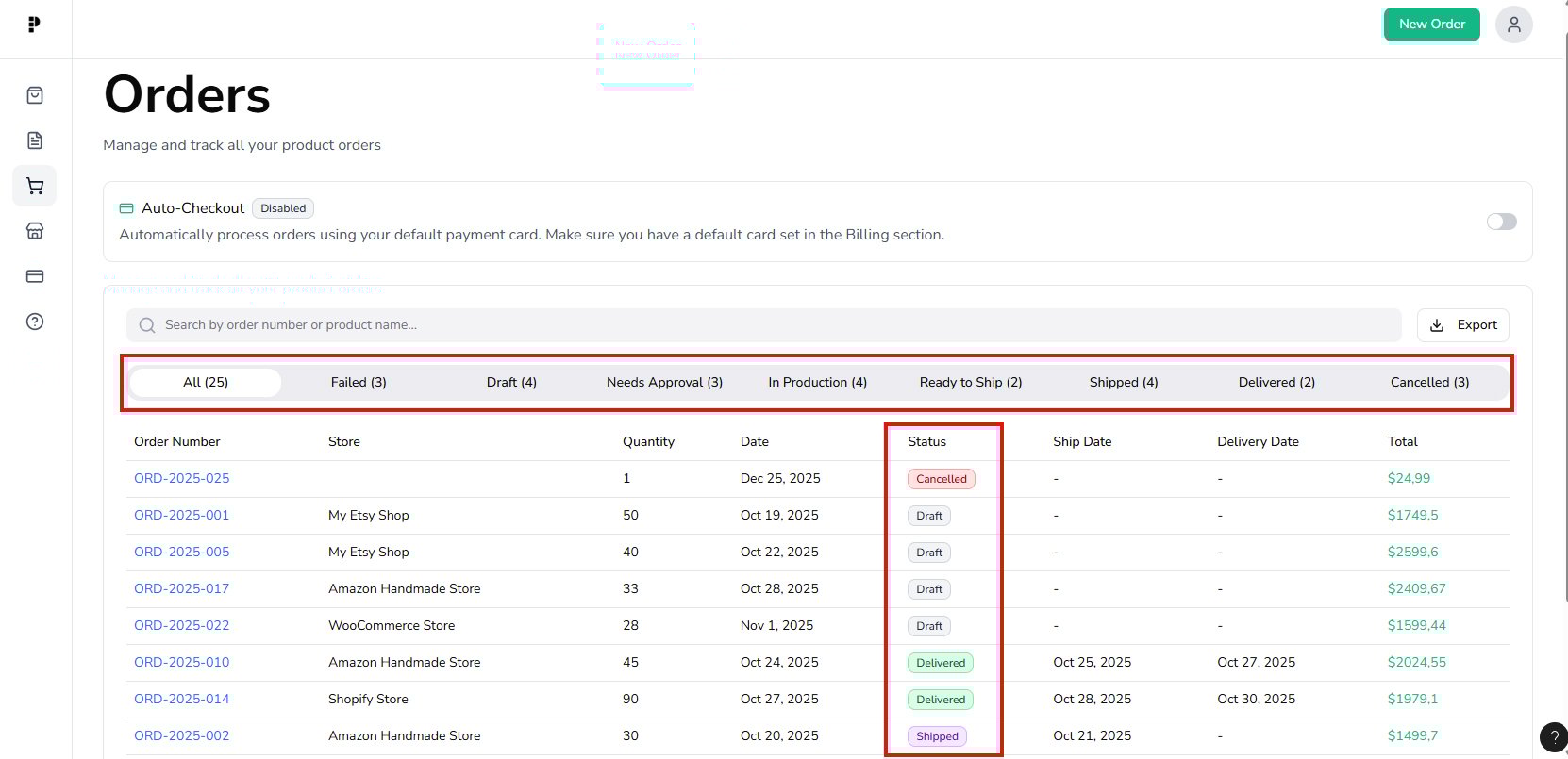
Needs Approval - An order is ready to accept your payment.
In Production - After we receive your payment, the order status will change to "In Production". During this phase, changes or edits to your order items are NOT allowed.
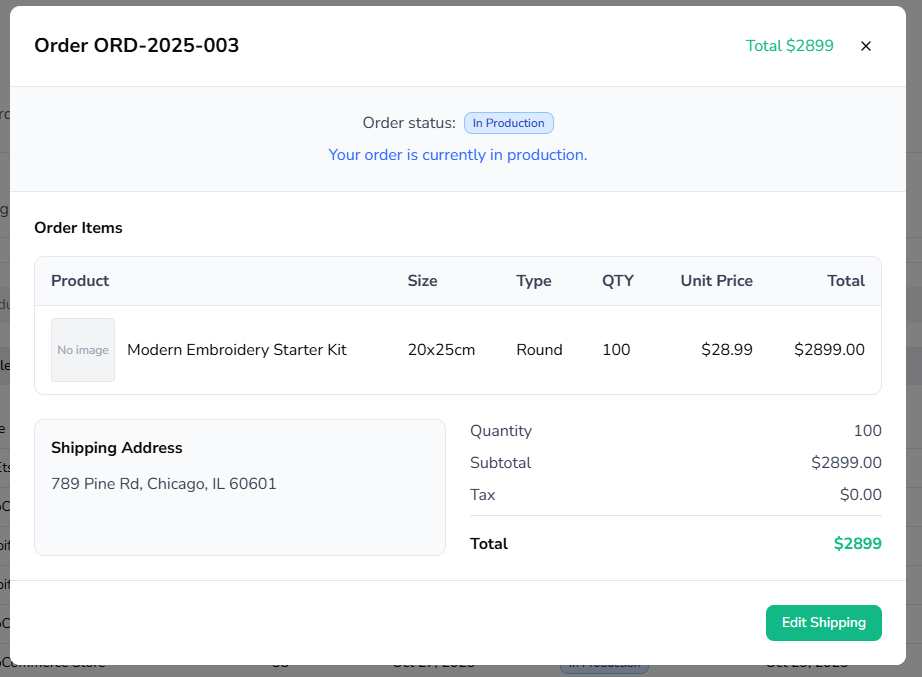
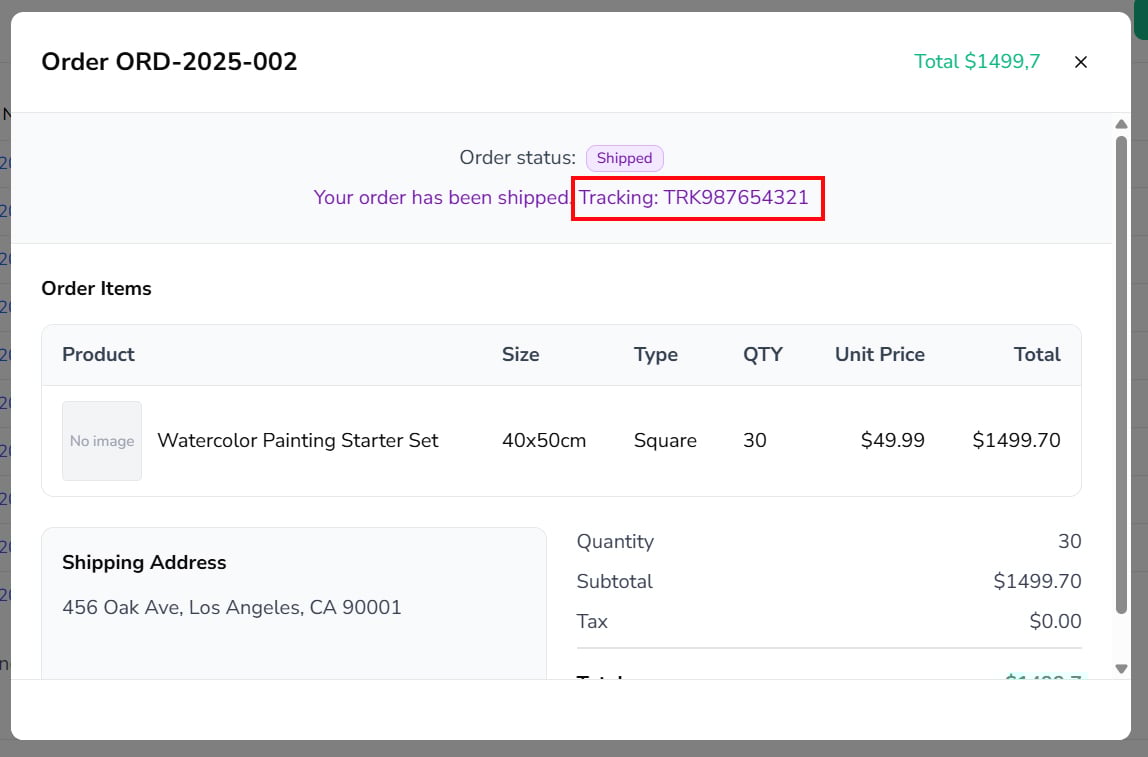
Shipped - Once your order is shipped, the status will change to "Shipped"
- Please note that your Shopify tracking emails will be automatically triggered once Pixelmade ships your order. It typically takes 7-10 days to ship your order.
- You will be able to find the tracking link on your order details.
Note: If you have any further questions or concerns regarding order tracking, please don't hesitate to reach out to our customer support team.