How to edit or cancel an order?Updated 9 months ago
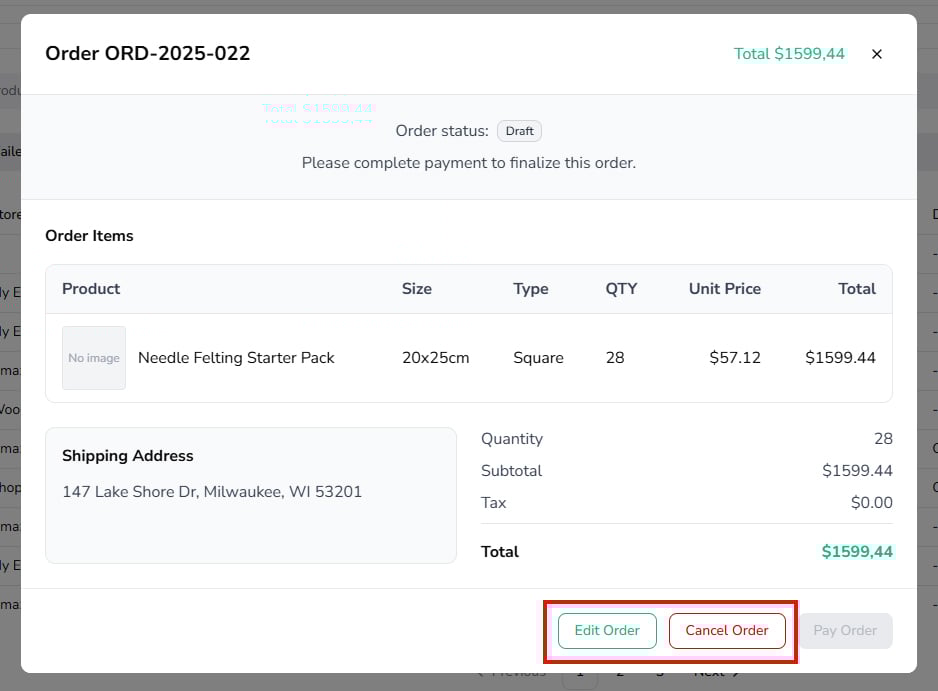
You can edit order items or cancel when your order is in Draft, Failed or Needs Approval status:
- In the Order details, you can find the "Edit Order" and "Cancel Order" button at the bottom.
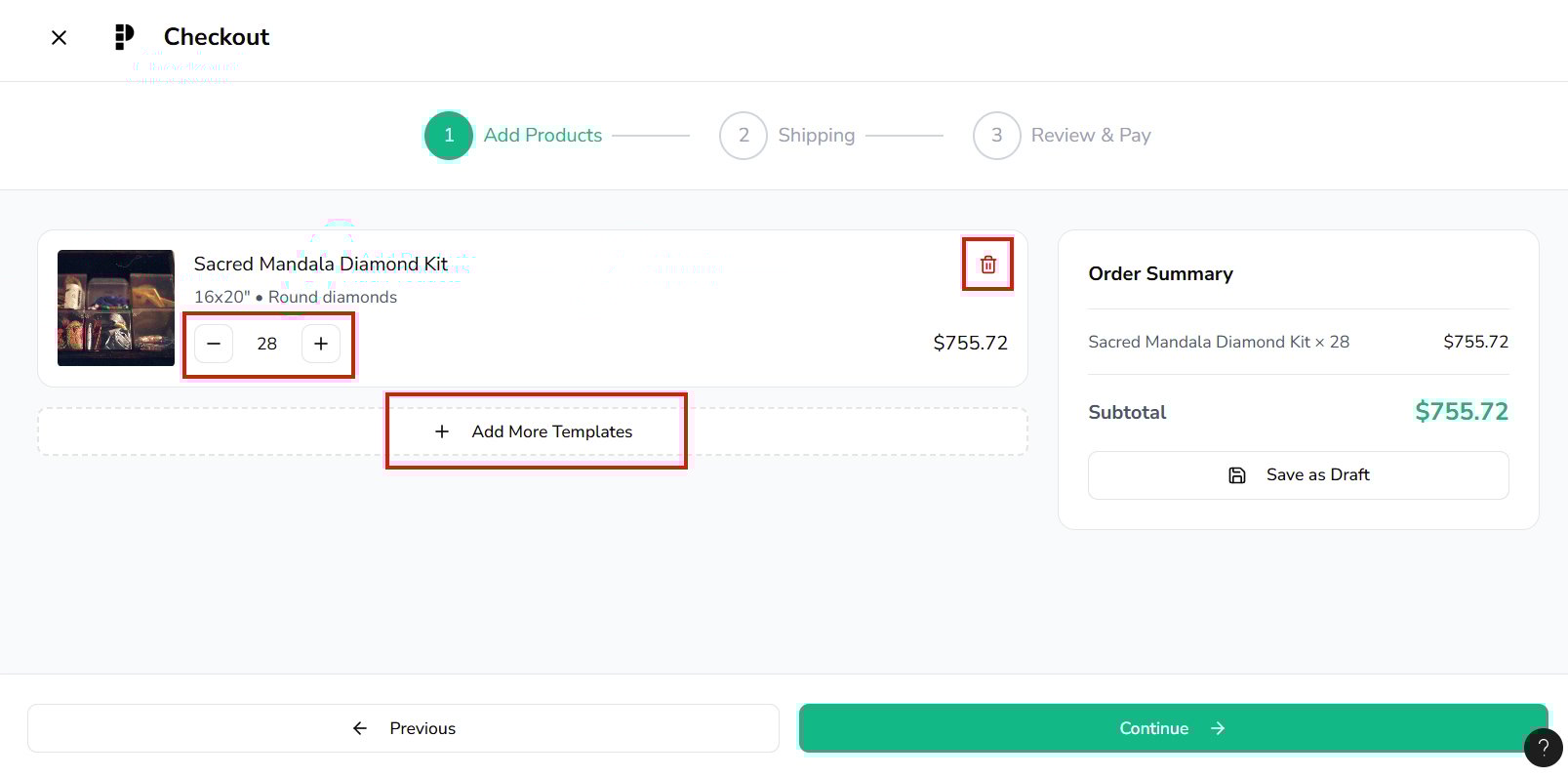
- You can edit item quantity, and remove or add a product.
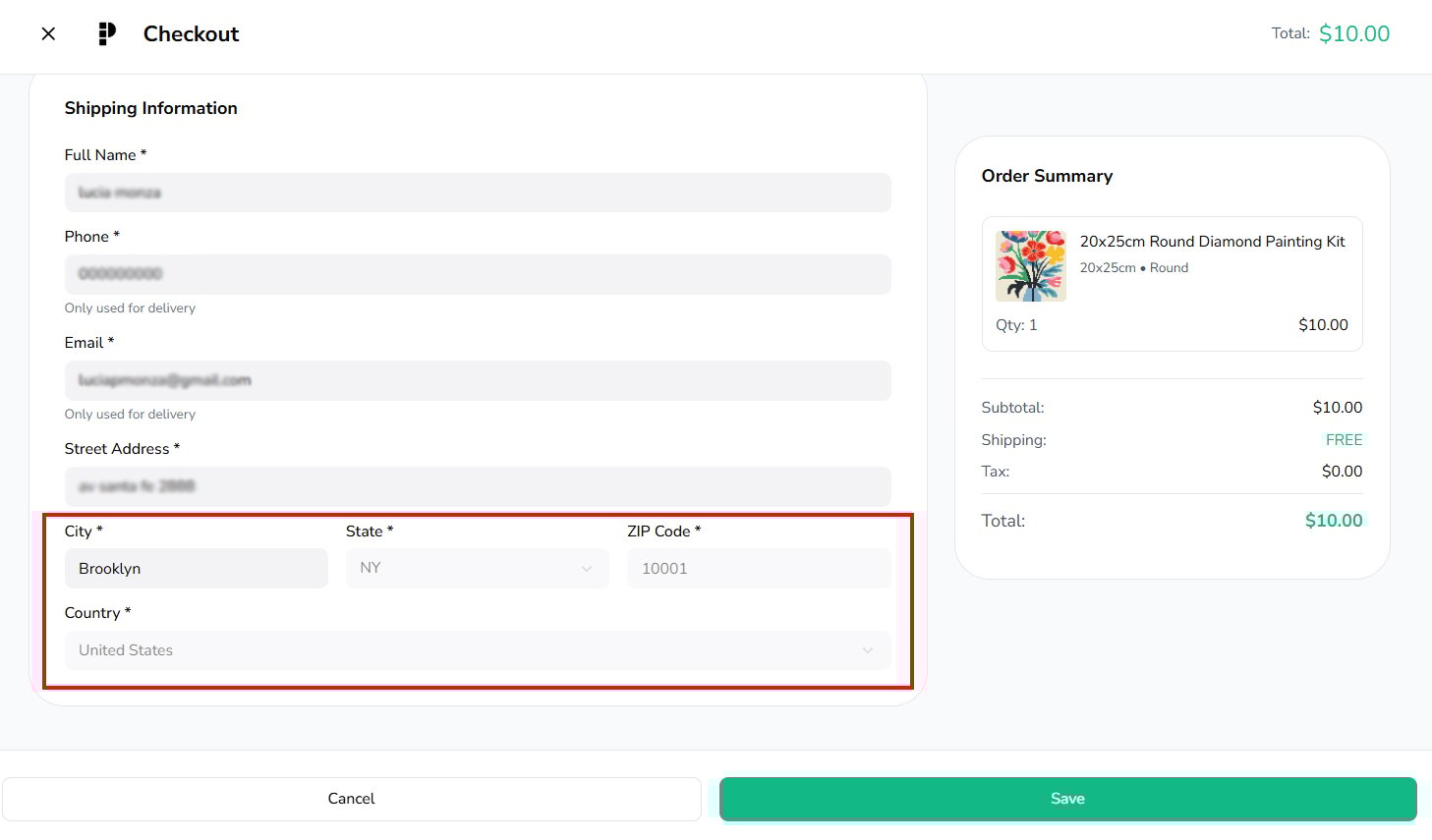
You can edit shipping information when your order is in Draft, Failed, Needs Approval or early* In Production status:
- You can edit all shipping information details.

*Note: You are only allowed to edit shipping details in an early In Production status before the shipping process starts. Country, State and Zip Code are not allowed to be modified.