
How to set up and edit your billing method?Updated 9 months ago
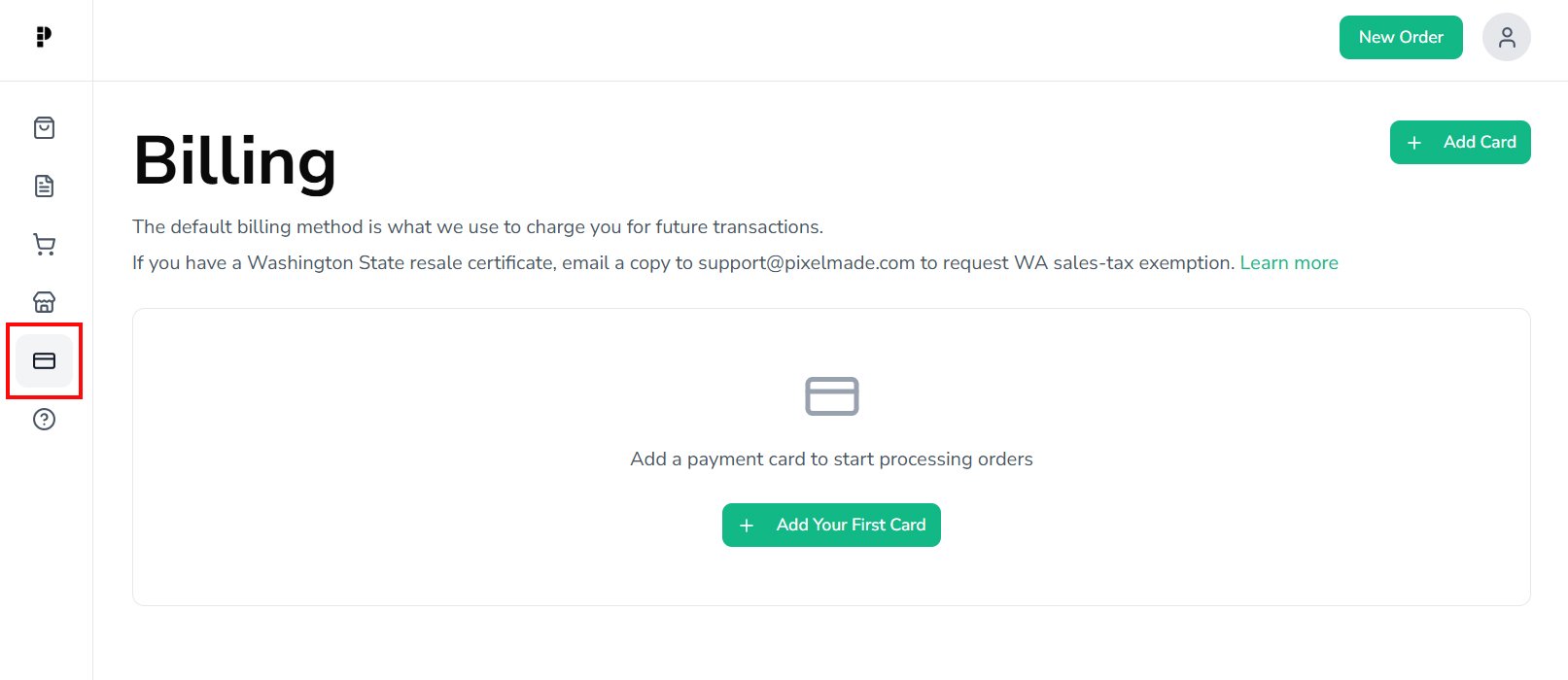
- Go to the Billing section.
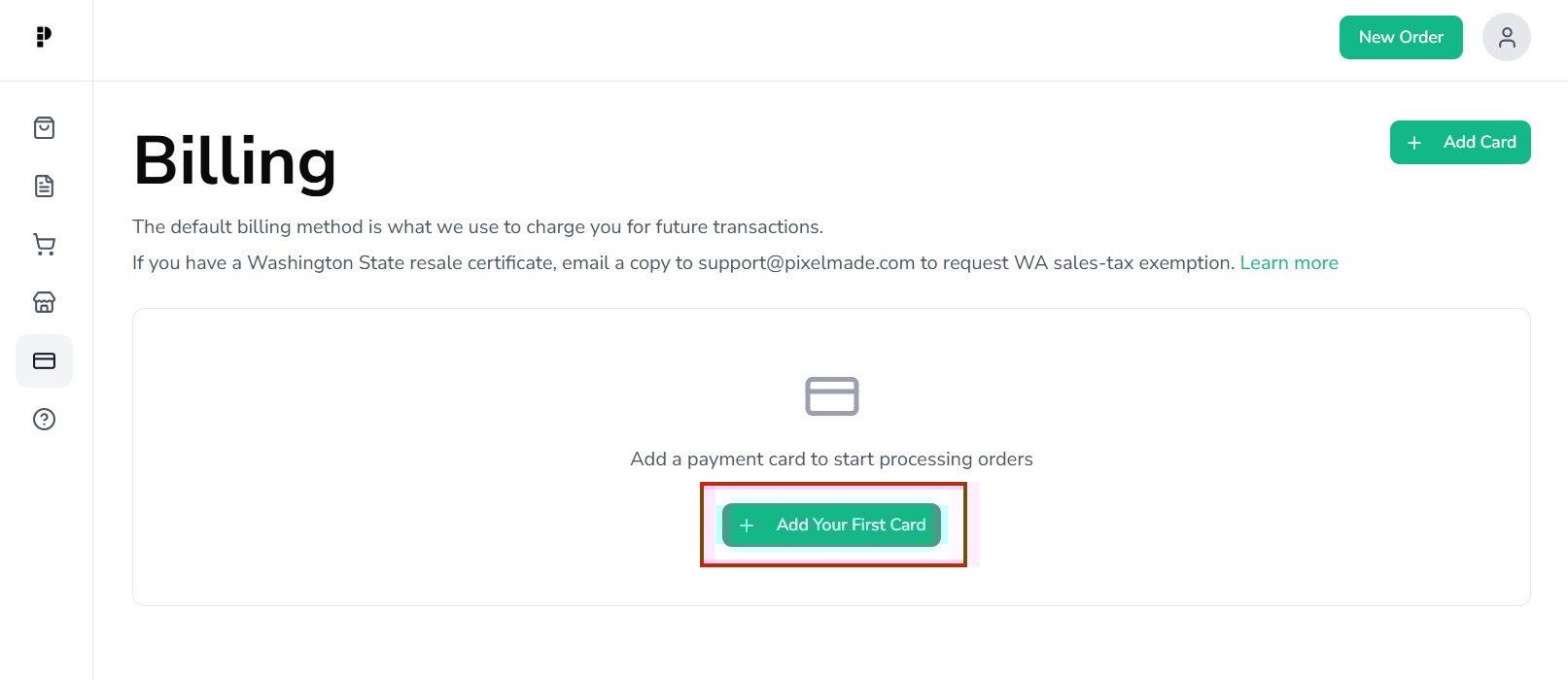
- Click the "Add Your First Card" button to add a new billing method.
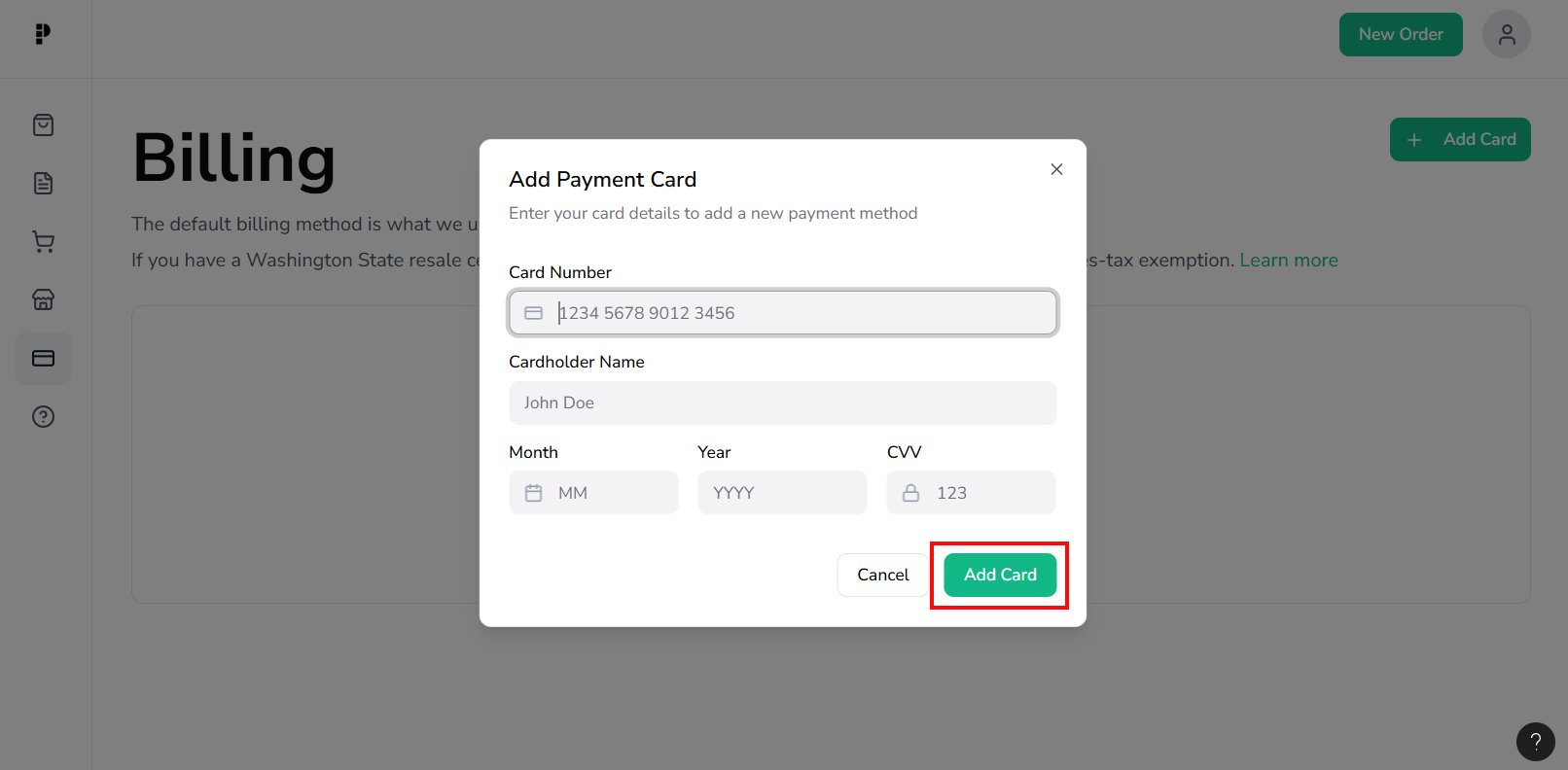
- Fill in the required information for the billing method, and click "Add Card" button.
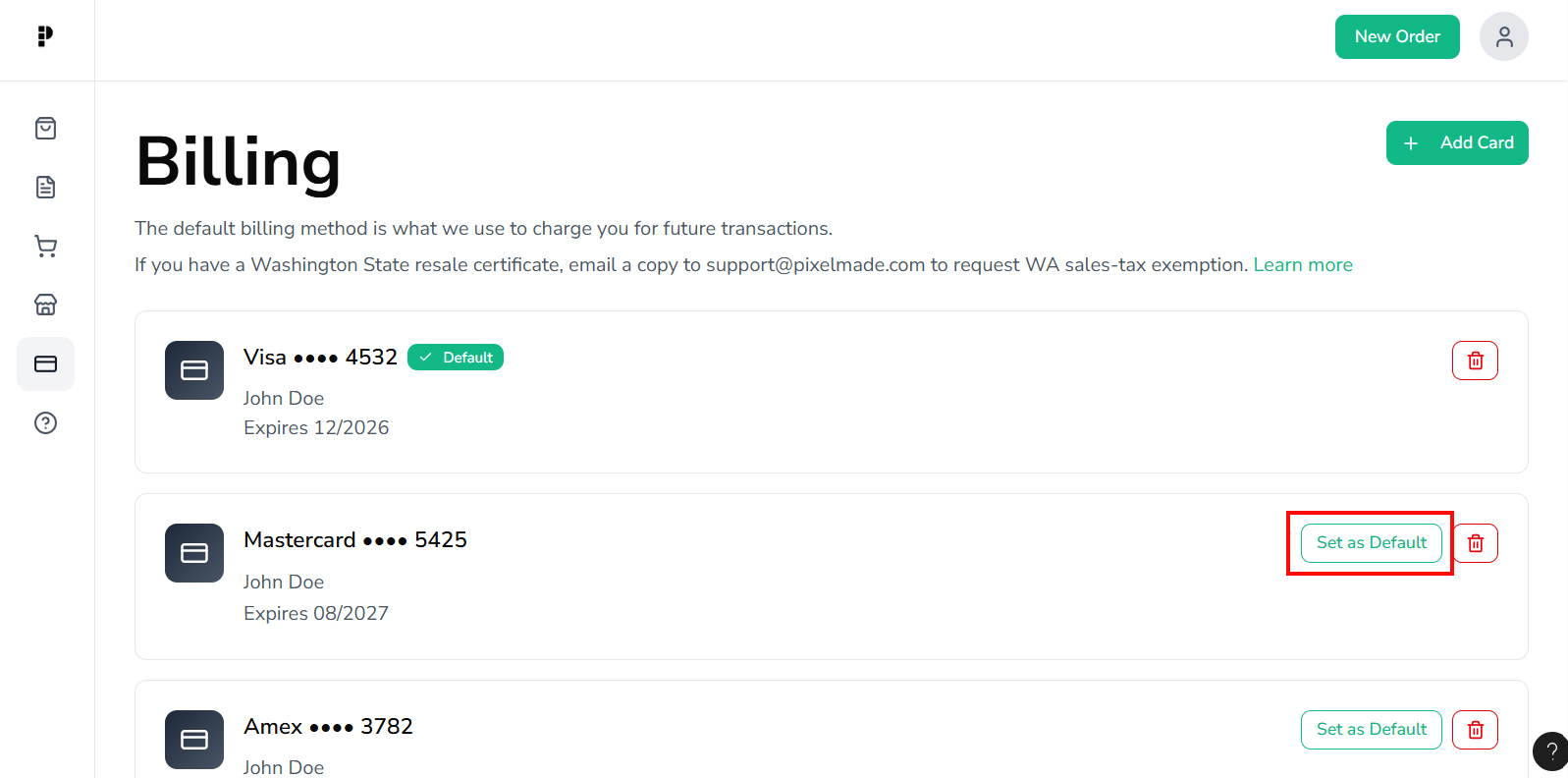
- Once you add a card, it will be set as your default payment method. You can add additional cards and change the default at any time by clicking “Set as Default” to make it the primary billing method for your orders.
By adding and configuring your billing methods, you can ensure a smooth payment process for your orders. If you have any issues or questions regarding billing methods, please contact our support team for assistance.