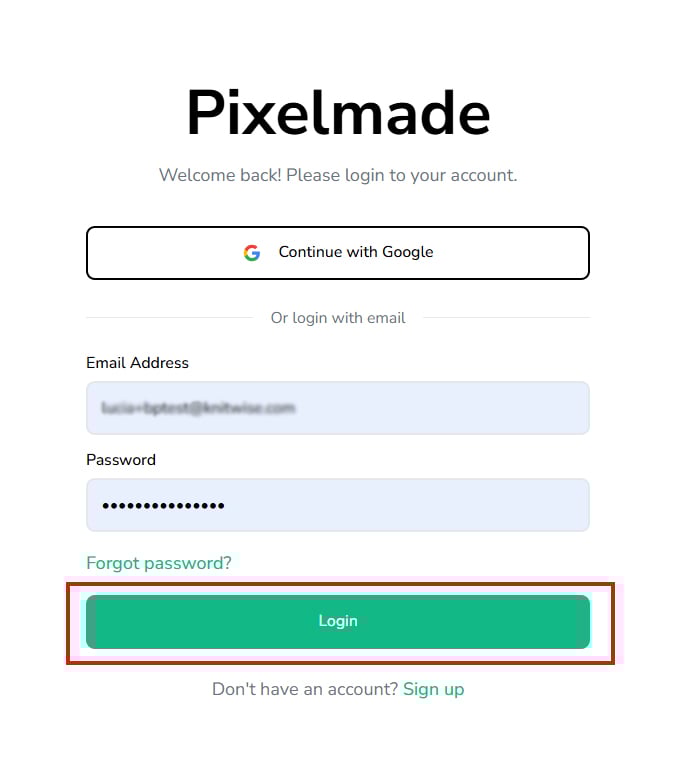
How to create and set up your account?Updated 9 months ago
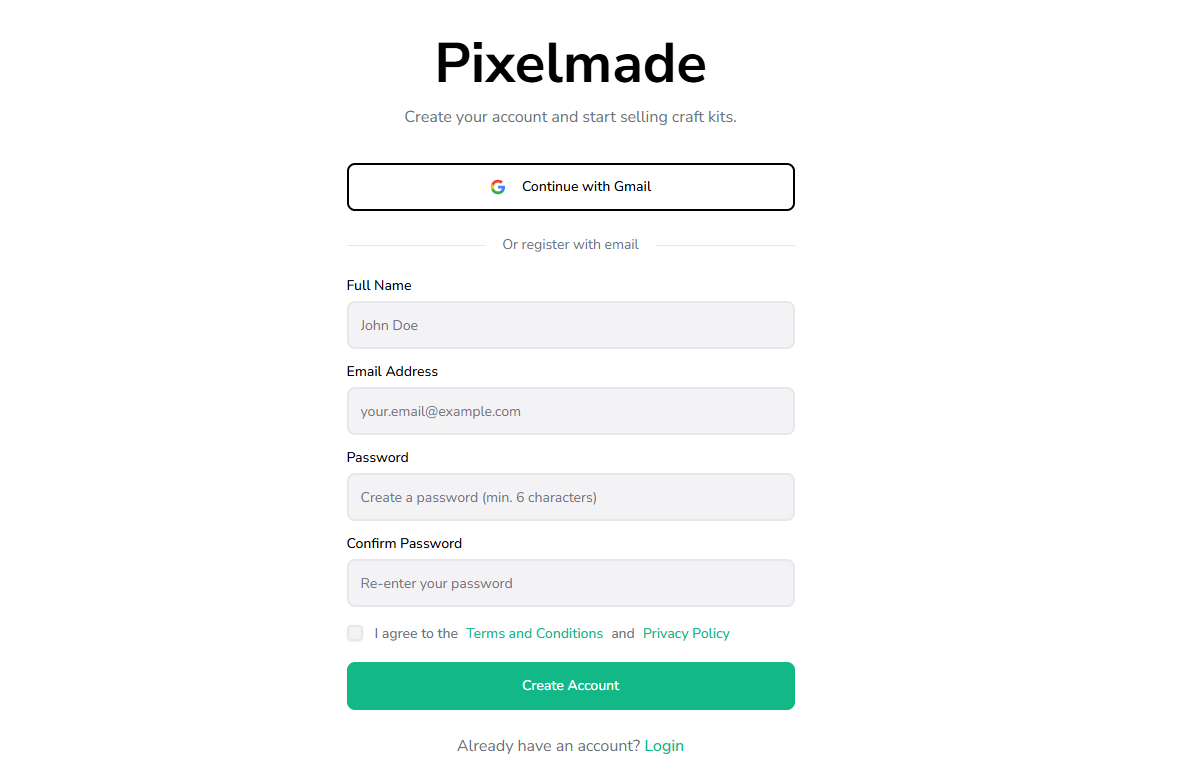
- Visit Pixelmade and create your account.
- Follow the sign-up instructions to create your account.
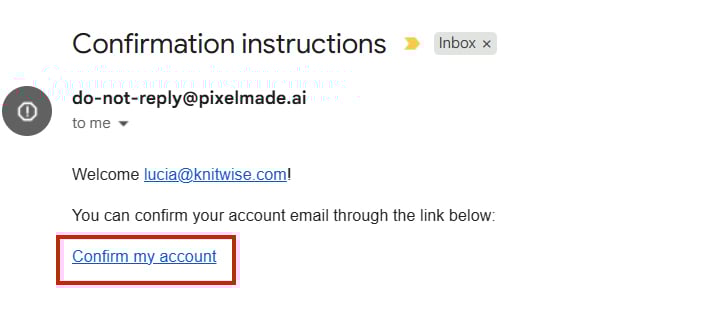
- Once created, check your email and look for new email coming from do-[email protected]. Click the link that is indicated on that email to confirm your account.
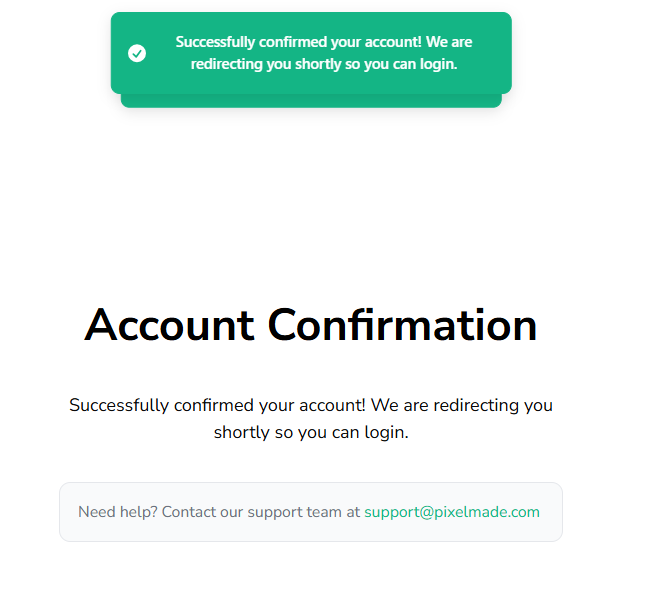
- Once confirmed, you'll see the Account Confirmation message.
- You will be automatically redirected to the login page using the account you confirmed.