
Connect Shopify store with Pixelmade AppUpdated 8 months ago
By connecting your Shopify store with the Pixelmade app, you will be able to seamlessly integrate and manage your custom craft kits within your Shopify store environment. If you encounter any issues or need further assistance during the process, please don't hesitate to reach out to our support team
To connect your Shopify store with the Pixelmade app, you have two options:
Option 1: Download and install our app directly from the Shopify app store.
You can find it here.
Option 2: Create an account directly in the Pixelmade app
- Visit our website
- Once you have created your account, go to the "Store" section within the app and click on "Connect Store".
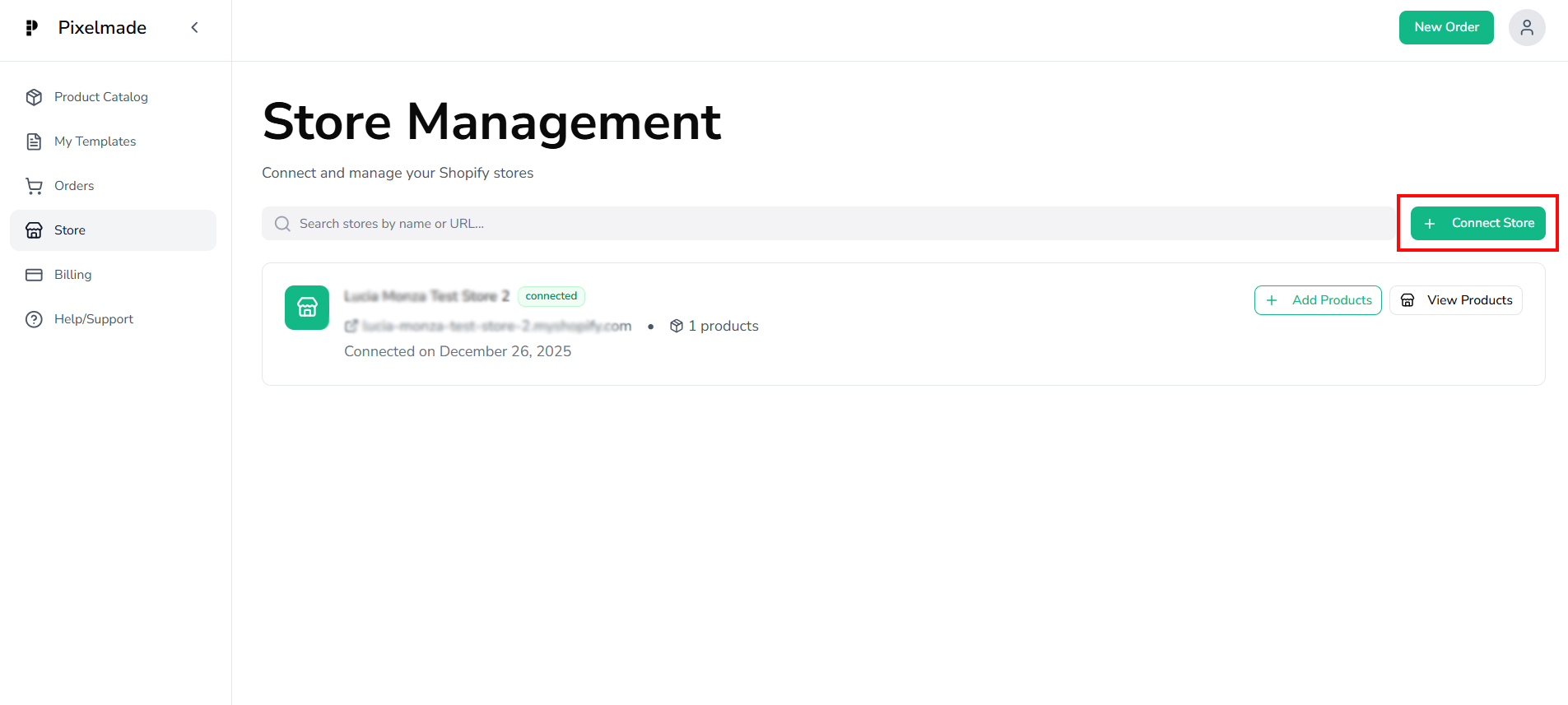
- It will redirect you to Pixelmade's Shopify App Listing. Click on "Install" to initiate the installation process
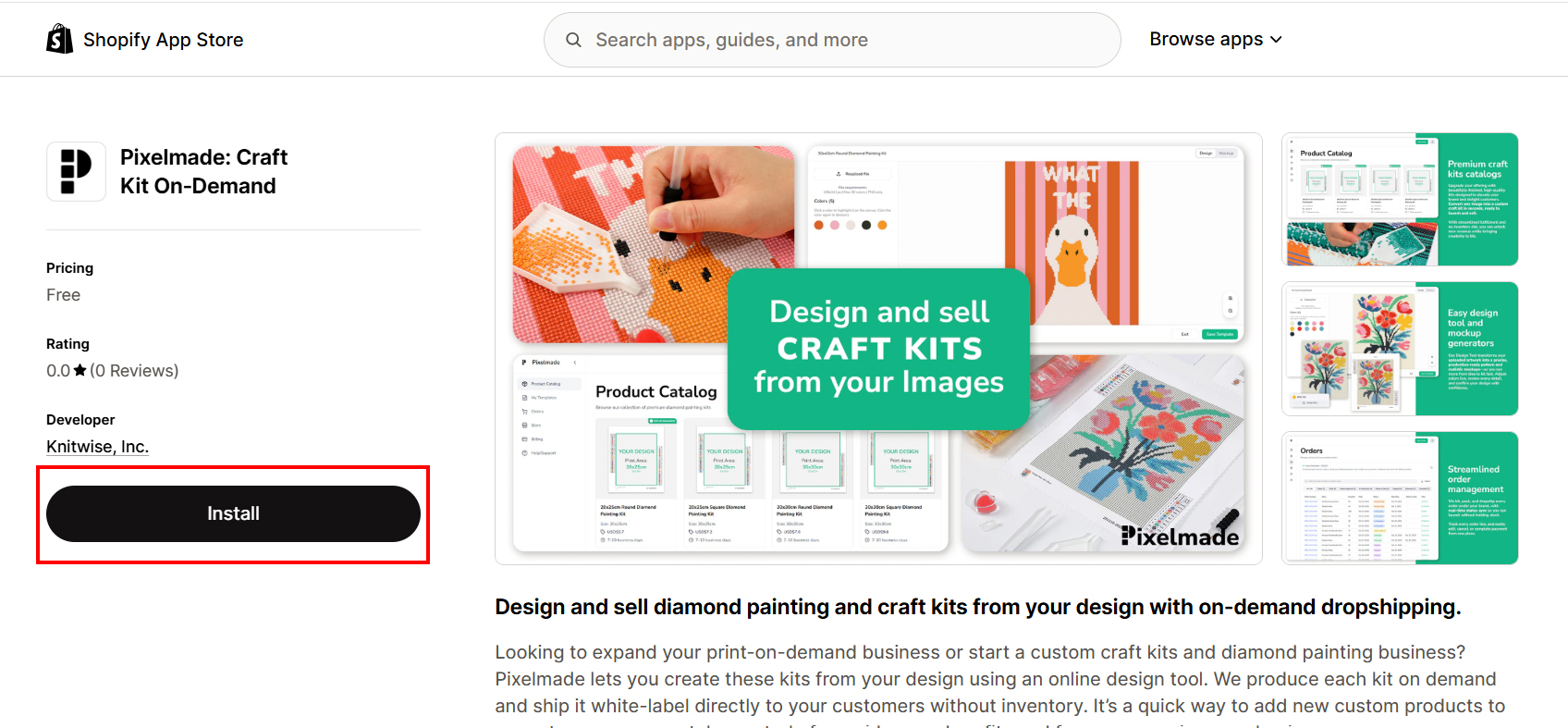
- After completing the installation process, you will be redirected back to the Pixelmade app.
Tip: It is important to use the same email for Pixelmade registration as your Shopify store account to ensure proper account linking.