
Add your product templates to your storeUpdated 9 months ago
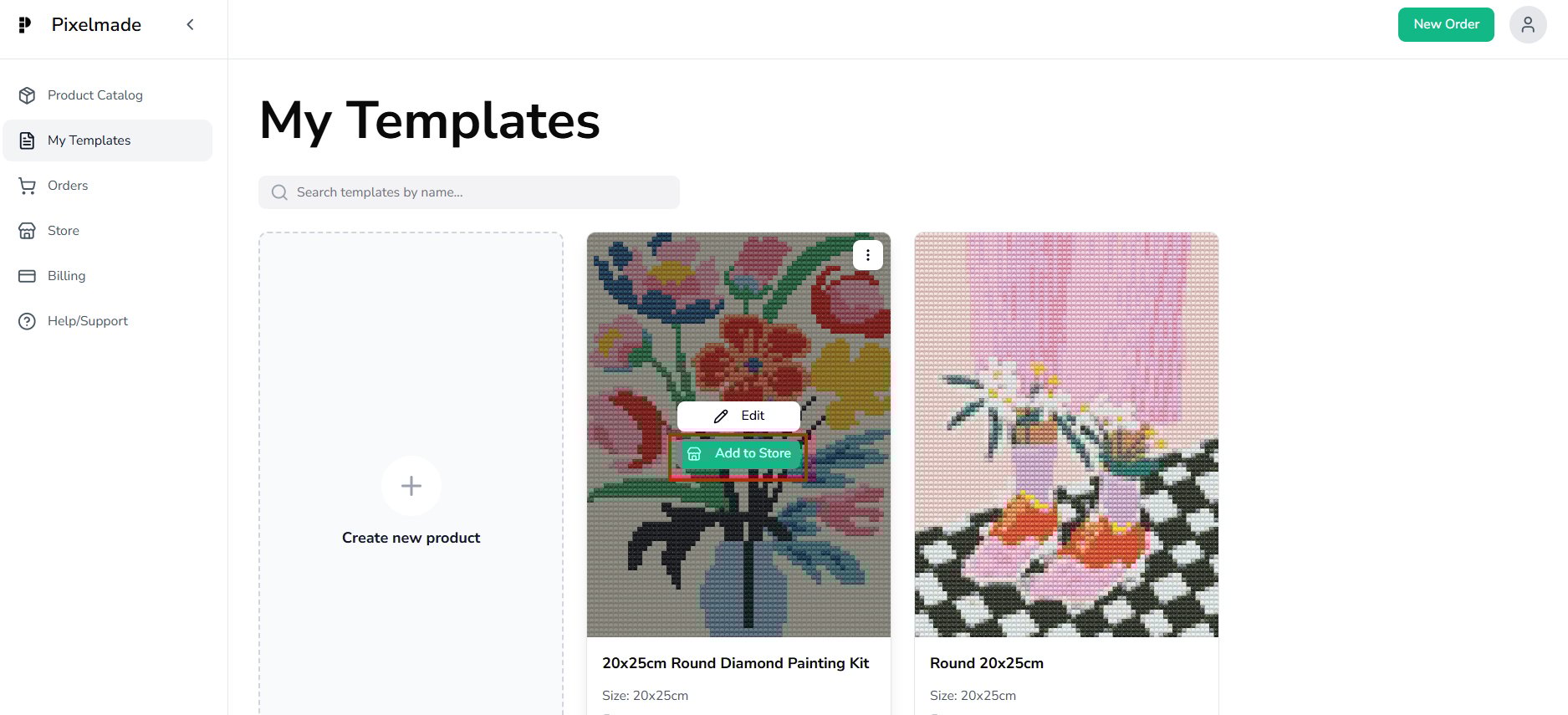
- Pick one of your created templates and click "Add to Store" to initiate the selling process.
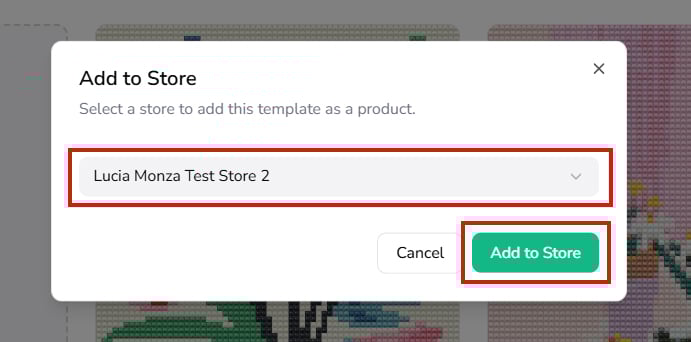
- Select the store you want the product to be added to.
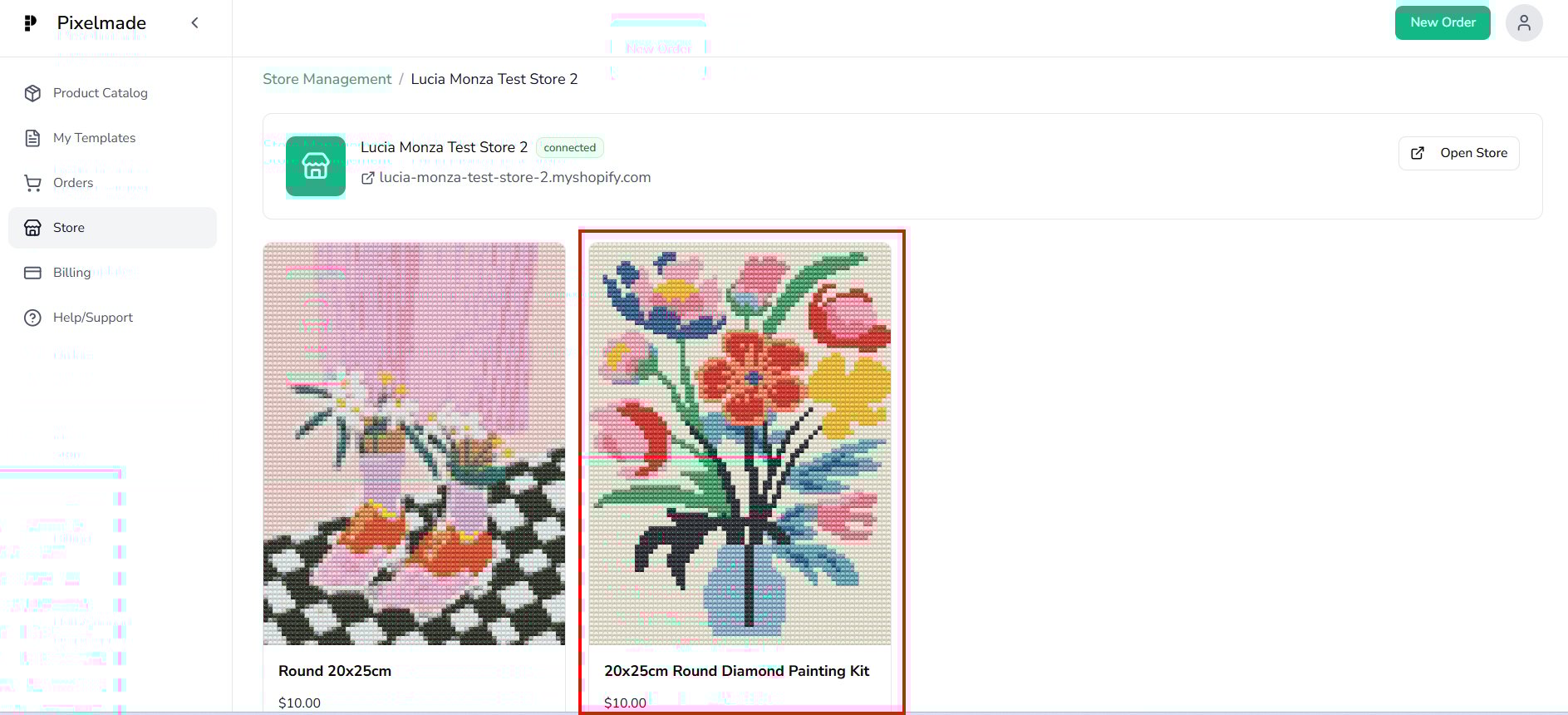
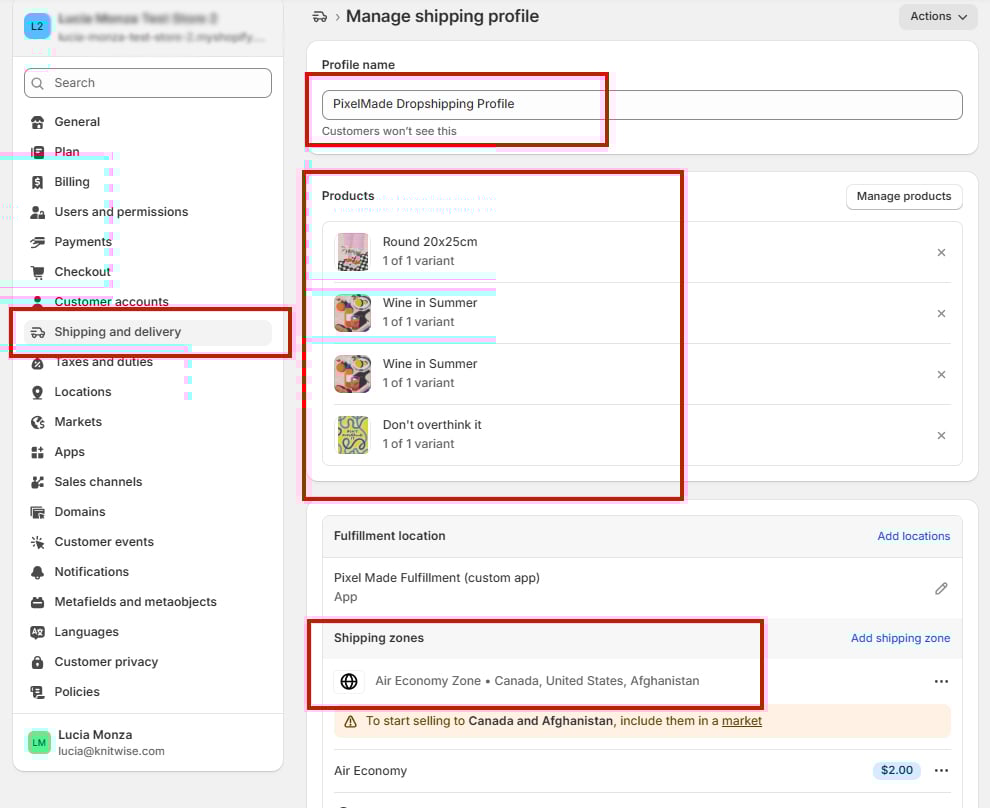
- Now, your product is successfully added to your store as draft product and linked to the Pixelmade Shipping profile on Shopify.
- To edit your product in your Shopify store, click "Edit in Store" . You can customize product name, images, details and pricing.
To see the shipping profile details, click the "Shipping" tab. You can find more instructions about how to manage the Shipping profile here.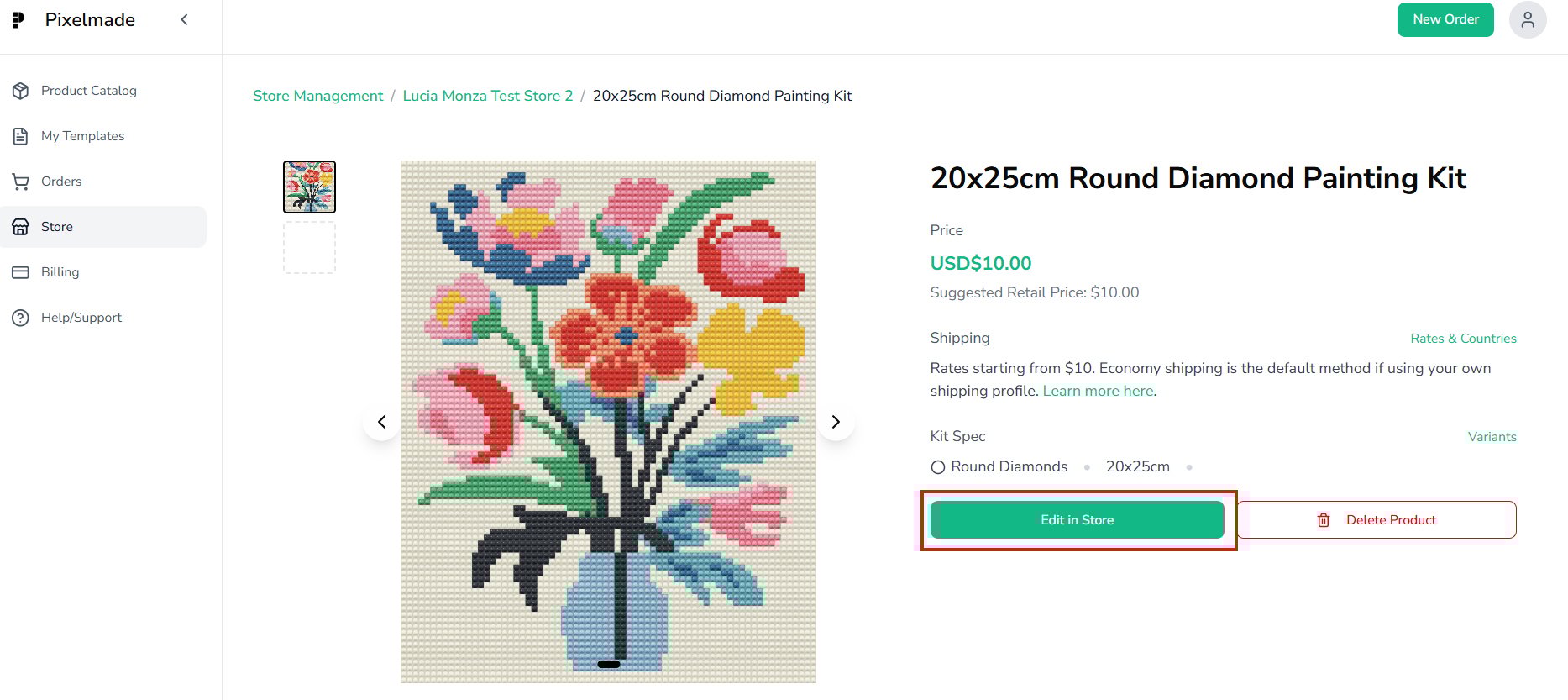
- Make sure that each product inventory is stocked at Pixelmade Dropshipping, you can check this by clicking each product.
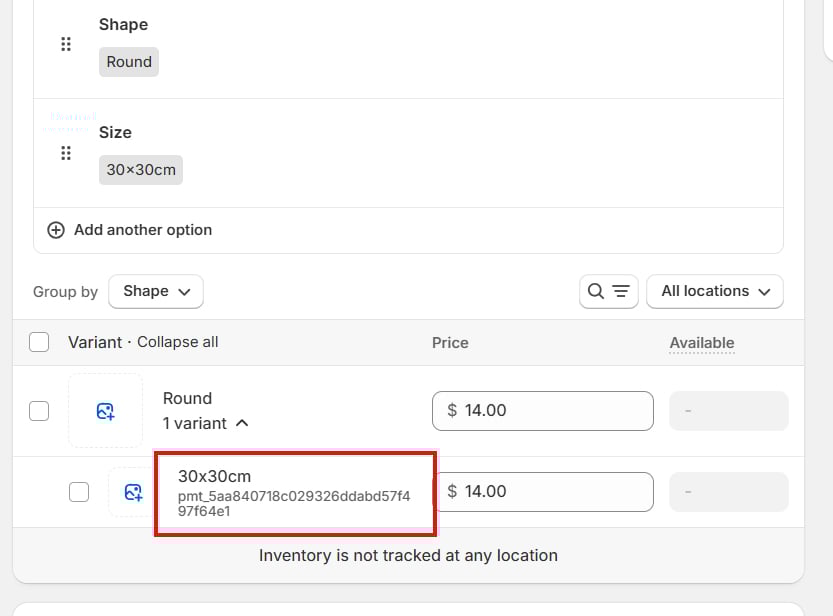
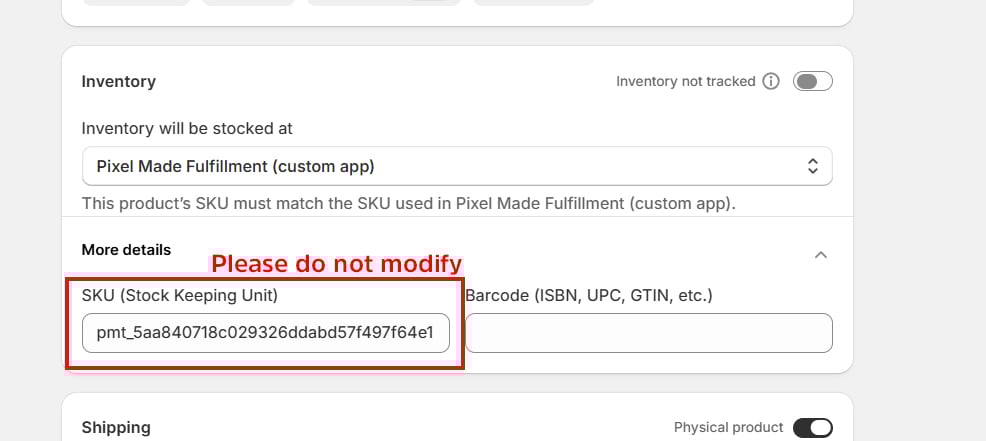
Remember NOT to modify any information under "inventory" once products are added, as it may affect order syncing.